
Join a routine you love
Put yourself into the choreography you've been watching, from a favorite idol routine to a shuffle or hip-hop clip. Use a photo you like and make your own take for your next post.
Make anyone dance with ease. Our fast, precise AI dance video generator brings your favorite moves to any character. You can quickly share your videos on TikTok, Instagram, YouTube, and other popular platforms.
Any video with the dance moves, trends, or actions you want to recreate.
One clear, full-body character.
Your uploads are not published or used to train AI models. Privacy & deletion
Preview your generated dance videos here.
From the dance you love to a video of your own
Bring the moves you want to recreate and a photo of the character you want to see dancing. You can do the rest right here.
Upload a video of a favorite routine, a trending challenge, or your own choreography. This clip supplies the movements your character will perform. You can choose the part you want before generating.
Use one clear, full-body photo of yourself, a pet, or an original character. Make the face, outfit and limbs easy to see, so your photo gives the performance a clear character to work with.
Sign in with Google, choose your clip and review how many videos it uses before you generate. Your finished dance appears in the results area. Preview it, download the MP4, and find your saved videos in Collection.
One photo + one dance reference
The photo supplies the character's appearance. The reference supplies the dance. In this example, a character in a white hoodie takes on the routine from the basketball-court clip.
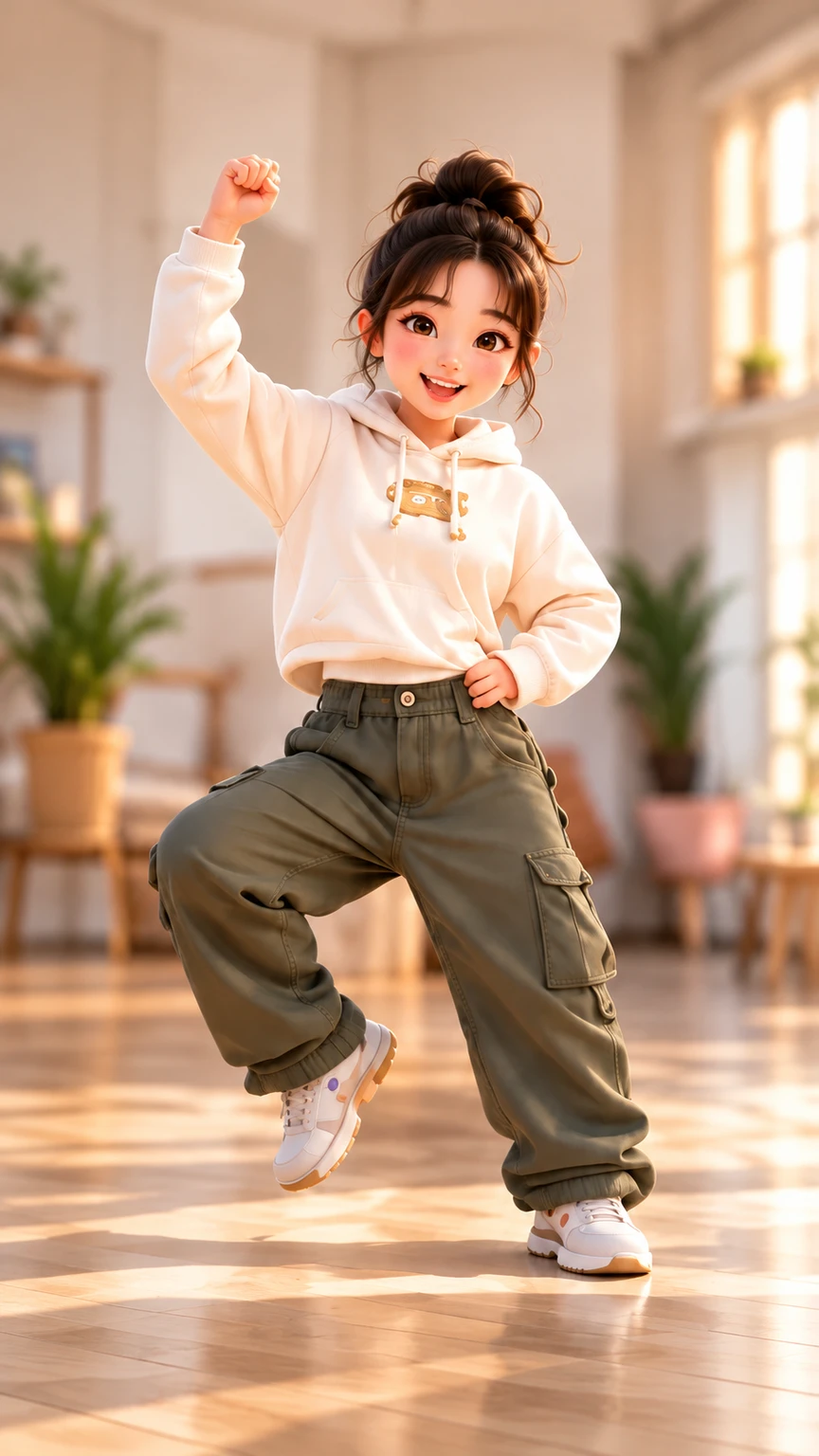
Try a different photo with the same routine to explore a new cast, or bring a different dance to give your character a new performance.
Make it yours
A dance challenge can star you, the pet who steals every scene, or a character you've just created. Choose the cast and bring a reference clip that fits the mood.
See what's included for freePut yourself into the choreography you've been watching, from a favorite idol routine to a shuffle or hip-hop clip. Use a photo you like and make your own take for your next post.
Turn a clear photo of your cat or dog into the lead performer. Pair a playful routine with your pet's look and make a dance video to send to friends or share with your followers.
Give an original cartoon, illustrated character, or mascot a routine of its own. Start with a full-body image, then try different reference dances to find a performance that suits your character's personality.
Choose the moves for your next video. Preview a template, then add your character photo to make it your own.
Choose a monthly or yearly plan for your next dance videos. See the pricing page for everything included.
Based on 5-second Basic 1.0 videos. Longer clips and premium models use more credits.
Cancel renewal anytime. Your plan stays active for the rest of your paid billing period.
Secure checkout by Waffo. Applicable taxes are shown at checkout.
Upload a photo of yourself, a friend or a character, then add a clip of the dance you want to recreate. Choose your video variations and generate. Preview your finished dance video in Shimio.
Yes. New accounts receive 40 welcome credits once. Use your own photo and dance reference to create up to 4 seconds of Basic 1.0 video. See how to use your trial in the free AI dance video generator.
Pick a TikTok dance you'd love to join and upload the clip as your movement reference. Add your photo, generate your performance, then download the MP4 and post it on TikTok, Instagram or YouTube.
Yes. Upload your photo and a reference clip of the choreography you love. Shimio brings those moves to your image, so you can create your own version of an idol routine, stage performance or trending challenge.
Yes. Use a clear, full-body photo of one cat or dog, with its face and legs easy to see. Pair it with your chosen dance clip to turn your pet into the star of a dance video.
Bring a clip of the routine you love, from K-pop and hip-hop to shuffle, TikTok challenges or your own choreography. Your reference video guides the movement, so you can choose a routine that fits the mood of your next video.
Use a JPG, PNG or WebP image for your character and an MP4 or MOV clip for the dance. The photo guides the character's appearance and outfit; the reference video guides the movement. Generate and preview your finished performance.
Yes. Create an original character image with ChatGPT or another AI image generator, save it as JPG, PNG or WebP, and upload it with your chosen dance clip. Shimio turns your character into the performer.
An AI dance video generator turns a still photo into a video of the subject dancing. In Shimio, your photo provides the character and an uploaded dance video provides the movement, so you can recreate a routine with a new subject.
Our AI dance video generator helps you quickly recreate your favorite idol's dance moves. Try a trending dance challenge or make any character perform the dances you love.


